Senior Block Documentation
version 2.92
Driving
forward step
Block
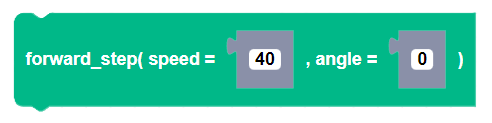
Description
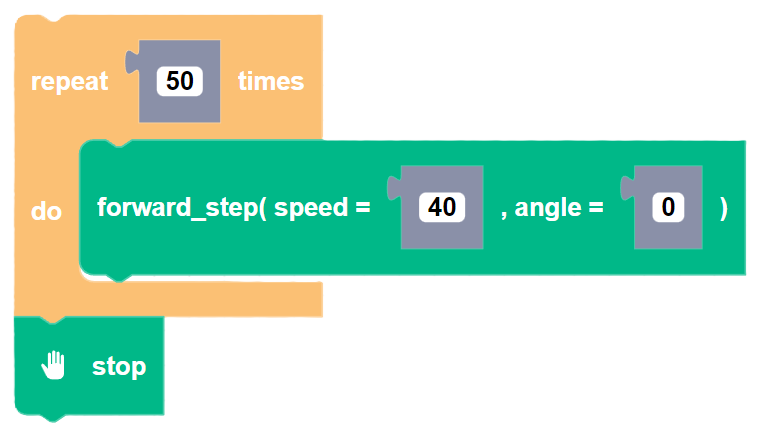
Takes one drive "step" forward in the direction of the angle heading. This block must be used in a loop to observe any movement. Use the stop block at the end of the for loop to stop Zumi.
Parameters
integer speed: The speed of the forward step (0 - 127)
integer angle: The angle of forward step in degrees (0 degrees is defined when the Zumi object is created)
Returns
None
Example
reverse step
Block
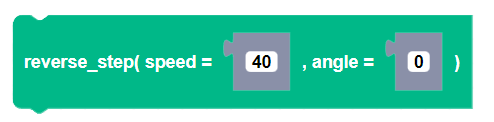
Description
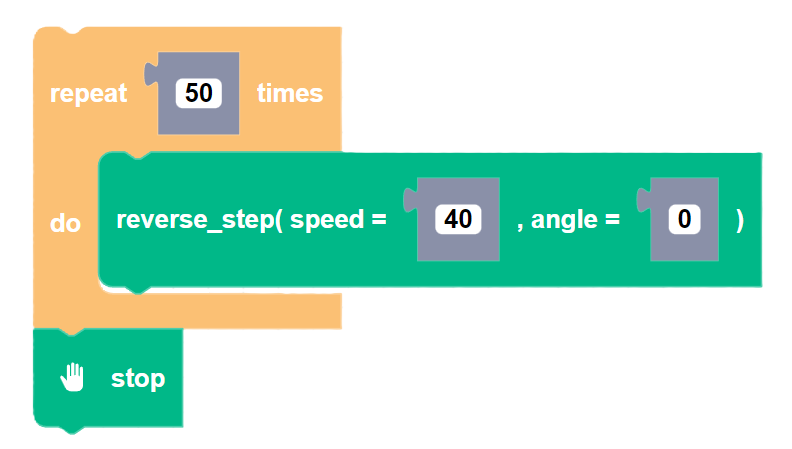
Takes one drive "step" backward in the direction of the angle heading. This block must be used in a loop to observe any movement. Use the stop block at the end of the for loop to stop Zumi.
Parameters
integer speed: The speed of the reverse step (0 - 127)
integer angle: The angle of reverse step in degrees (0 degrees is defined when the Zumi object is created)
Returns
None
Example
move to coordinate
Block
Description
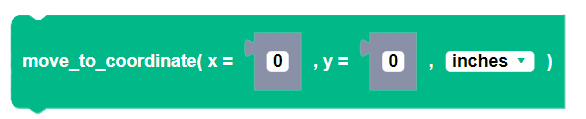
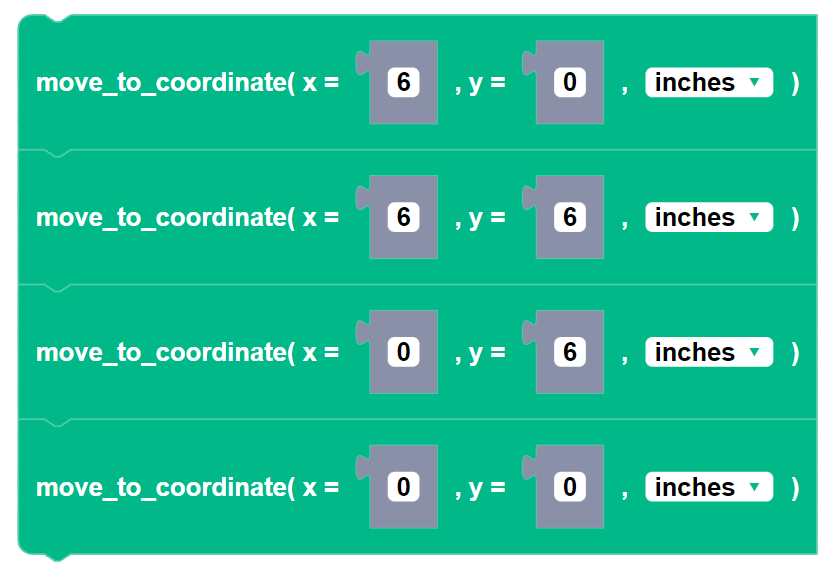
Drives Zumi to an (x,y) position from the origin. The origin (0,0) is defined at Zumi object creation. To reset the origin, use the reset_coordinate() block. This method uses a best fit linear approximation of the distance traveled over time. Zumi will only keep update her coordinates when driving with this block. Using any other drive command will not keep track of her location.
Parameters
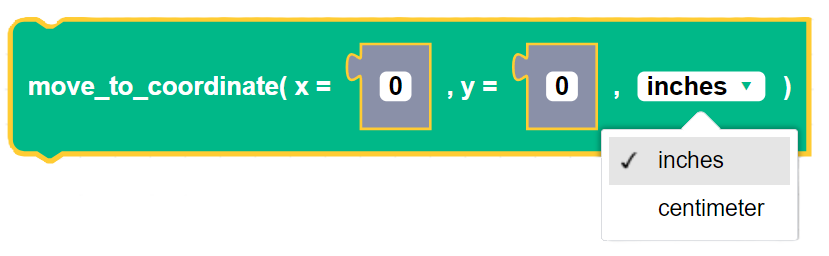
float x: The x-coordinate value
float y: The y-coordinate value
unit: Units of the coordinates, centimeters or inches
Returns
None
Example
reset coordinate
Block
Description
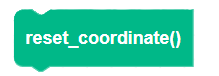
Resets Zumi's coordinates to (0,0). The origin will be reference point when using the move_to_coordinate() block.
Parameters
None
Returns
None
Example
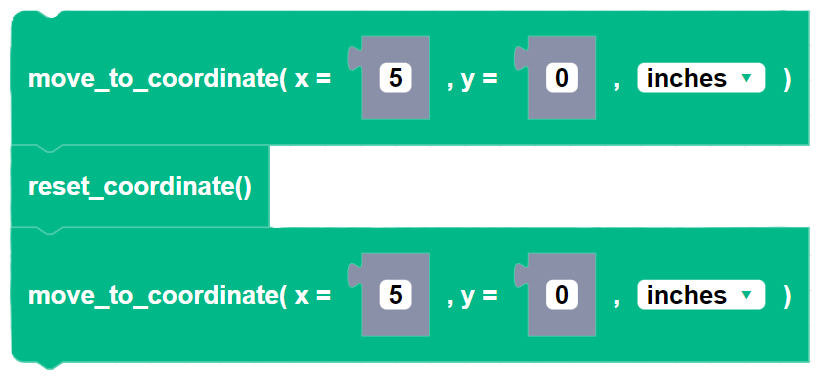
In this example, Zumi moves 5 inches in the x-direction. After resetting the coordinates Zumi will move another 5 inches in the x-direction since the origin has been reset.
line follow gyro
Block

Description
Uses the bottom IR sensors so that Zumi can execute a line following program for the duration of the timeout. If the bottom IR sensors detect a black line, Zumi will continue to drive forward. If one of the sensors detects white, Zumi will turn left or right to stay on the line. If both sensors detect white, Zumi will automatically stop, regardless of the timeout.The speed is capped to 80.
Parameters
integer speed: Positive value for speed between 0 and 80
float duration: The duration of the timeout in seconds
integer angle_adj: The angle value, in degrees, that Zumi will turn if one IR sensor detects white.
integer left_IR: The threshold value of the bottom left IR sensor.
integer right_IR: The threshold value of the bottom right IR sensor.
Returns
None
Example

funnel align
Block

Description
Uses the bottom IR sensors so that Zumi can align to the funnel piece on the competition field for the duration of the timeout (Click here for a PDF version of the funnel piece).
Parameters
integer speed: Positive value for speed between 0 and 80
float duration: The duration of the timeout in seconds
float angle_adj: The angle value, in degrees, that Zumi will turn if one IR sensor detects white.
Returns
None
Example

forward avoid collision
Block

Description
Drives Zumi forward until an object is detected or the timeout runs out, whicever comes first. An object is considered detected if either of the front IR sensor values goes below the threshold.
Parameters
integer speed: Positive value for speed (0 - 80)
float duration: duration of timeout in seconds
integer angle: The angle, in degrees, at which it will turn after timeout or detection (default to None which is Zumi's current heading)
integer IR_thresh: The threshold value of front IR sensors.
Returns
None
Example
reverse avoid collision
Block

Description
Drives Zumi in reverse until an object is detected or the timeout runs out, whicever comes first. An object is considered detected if either of the back IR sensor values goes below the threshold.
Parameters
integer speed: Positive value for speed (0 - 80)
float duration: duration of timeout in seconds
integer angle: The angle, in degrees, at which it will turn after timeout or detection (default to None which is Zumi's current heading)
integer IR_thresh: The threshold value of back IR sensors.
Returns
None
Example
set pid
Block
Description
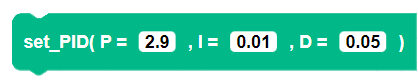
Sets the proportional, integral and derivative terms in a PID control system. These parameters help Zumi drive straight and make accurate turns. The default values are recommended, but can be adjusted to see how the control system works.
Proportional: the output is proportional to the error Integral: compensates for the sums of the error over time Derivative: compensates for sudden changes in the error
Parameters
float P: Value for proportional control
float I: Value for integral control
float D: Value for derivative control
Returns
None
Example
set speed prediction
Block

Description
Manually sets the line of best fit parameters that are used with move_to_coordinate(). This block overrides any speed prediction values that were automatically set with the speed_calibration() block.
Parameters
integer speed: The speed from (0 - 100) used for calibrating distance traveled
Returns
None
Example
reset pid error
Block
Description
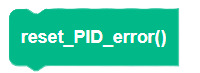
Resets the sum of the gyro error and integral error that accumulated over. Reset the PID error after using forward_step() to drive more accurately. This does not reset the P, I, and D values of the Zumi PID control. To set those parameters use set_PID().
Parameters
None
Returns
None
Example
speed calibration
Block
Description
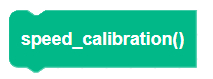
This function is designed to be used with the calibration sheet (Click here for a PDF version). Zumi will drive over 5 horizontal white lines that are 2 centimeters wide. The slope and y_intercept will be generated for the best fit line of the speed prediction. These values will be saved to the Zumi as a text file.
Run this block to calibrate for move_to_coordinate().
Parameters
None
Returns
None
Example
drive over markers
Block

Description
This function was designed for the Zumitown Mat. Zumi will drive over the specified number of alternating black and white horizontal lines at least 2 centimeters wide. Zumi will stop when the number of markers have been crossed or if the timeout ends, whichever is first. (Avoid making the speed very high, Zumi will most likely overshoot since it has a lot of speed)
Parameters
integer markers: An number of road markers to drive over
integer speed: Positive speed value (0 - 80)
integer IR_threshold: An IR threshold value 0-255 for the bottom left IR sensors to detect black or white.
float time_out: The timeout value in seconds
Returns
None
Example